Extract frames, remove backgrounds, and export perfectly looped animations entirely in your browser.
Preview
No Sprite Sheet Loaded
Select an image file to begin.
How to Use
Follow these quick steps to animate your sprite sheets.
1. Upload: Select your flat sprite sheet image using the settings panel.
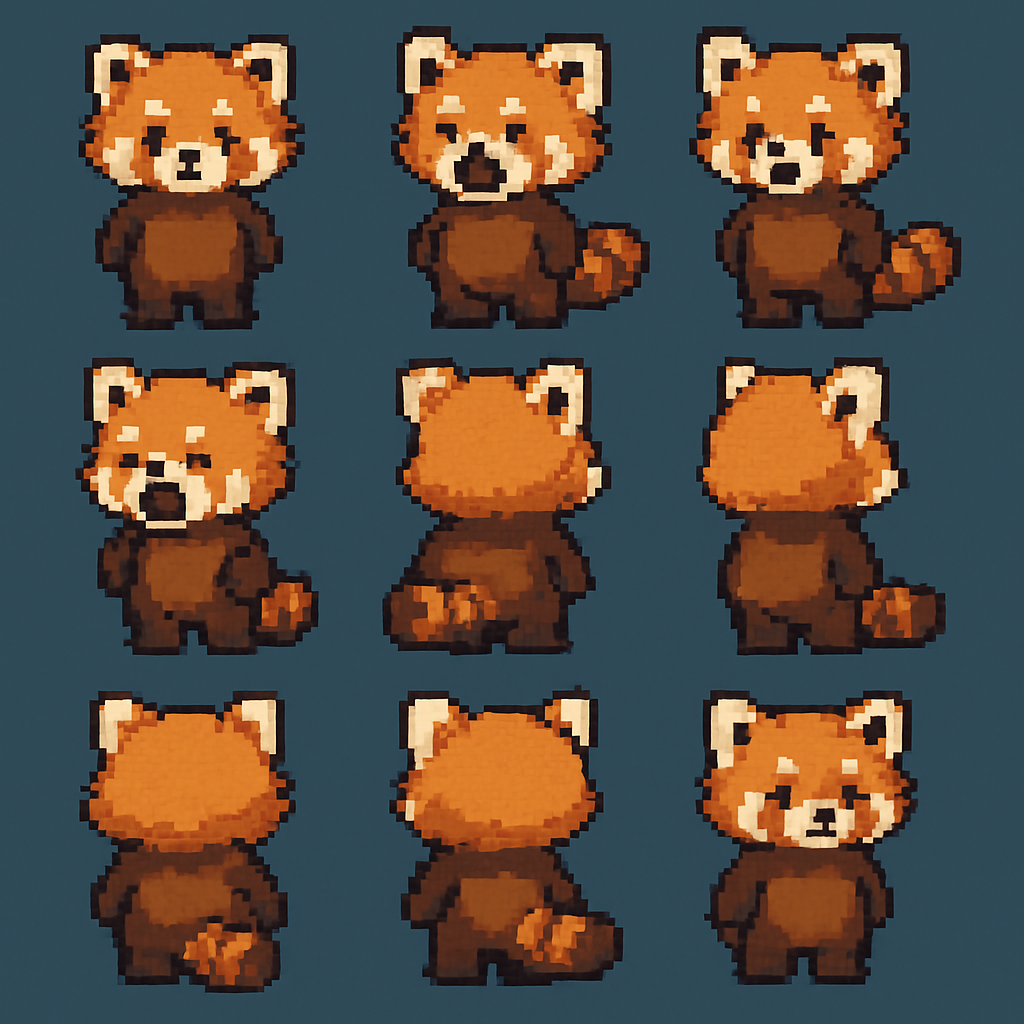
2. Configure Grid: Tell the tool how many rows and columns of frames exist in the image.
3. Build & Export: Click Build Frames to preview the loop, then choose GIF, WebP, or MP4 to download.

All processing happens locally on your device ensuring total privacy and maximum performance.